Why Choose Direct Attach Cable for Your Networking Needs?
In the fast-evolving world of networking, the importance of efficient connectivity cannot be overstated. Direct Attach Cable (DAC) is gaining attention for its performance capabilities. John Smith, a leading expert in data communication, once stated, "Direct Attach Cables provide an ideal blend of speed and practicality in modern networks." This phrase underscores the growing reliance on DACs in various networking environments.
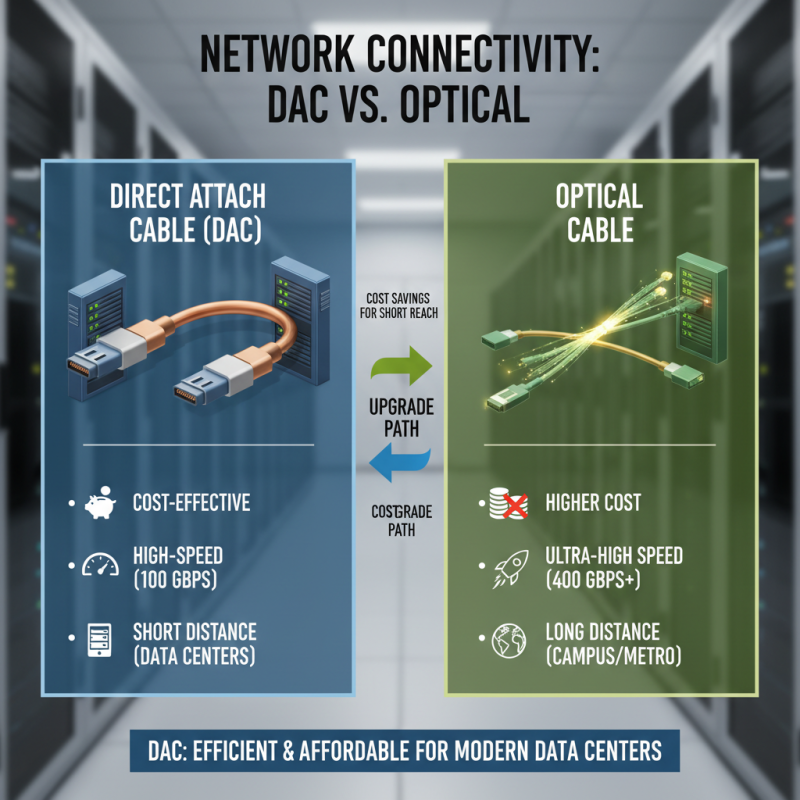
Direct Attach Cables offer high-speed connections at reasonable costs. They are often favored for short distances, making them suitable for data centers. Their simplicity and efficiency are critical in crowded setups. However, potential users should reflect on their specific needs. Not every situation suits DAC deployment perfectly.
One might be tempted to overlook the nuanced requirements of different networking scenarios. While DACs excel in many areas, they are not a one-size-fits-all solution. Understanding the right application can aid in maximizing their benefits. Ultimately, addressing these details ensures optimal network performance with Direct Attach Cable technology.
Benefits of Direct Attach Cable in Networking Applications
Direct Attach Cable (DAC) has gained popularity in networking due to its efficiency and cost-effectiveness. In a recent report, it was noted that DAC can reduce equipment costs by up to 30% compared to traditional fiber optics. This makes it an appealing choice for data centers and enterprise networks. The simplicity of installation adds to its appeal, requiring no additional modules, minimizing the complexity during setup.
The performance of DAC is noteworthy as well. Tests indicate that DAC can support data rates of 10 Gbps to 100 Gbps over short distances, typically up to 7 meters. This makes it suitable for high-speed connections between switches and servers. However, while DAC shines in short-range applications, its performance diminishes over longer distances. Users must weigh these factors carefully. Although it is a reliable option, some applications might still require longer-range solutions.
Additionally, the longevity of DAC has been a subject of discussion. While it stands robust under normal conditions, environmental factors can impact its lifespan. Adequate care during installation and routing is crucial. Users should consider potential wear and tear. Balancing the pros and cons is essential when choosing DAC for a networking setup.
Comparison of Direct Attach Cable with Other Networking Options
When comparing Direct Attach Cable (DAC) to other networking options, distinct advantages stand out. DAC offers high-speed connectivity at a fraction of the cost of optical cables. According to industry reports, DAC can transmit data up to 100 Gbps over short distances, making it ideal for data centers. This cost-effective solution integrates seamlessly with existing networks, boosting efficiency without breaking the bank.
One significant point of comparison is flexibility. DAC is usually more rigid than fiber optic cables, which can be limiting in tight spaces. Users should weigh the layout of their network environment before making a choice. A study from TechRepublic highlights that 57% of networking issues stem from hardware selection. Understanding the nuances of DAC, such as its limited distance compared to optical cables, is essential for optimizing network performance.
Tips: Always assess your distance and bandwidth requirements. DAC excels in short-range connections, while fiber optics may be necessary for long runs. Don't forget to document your setup; this will help you identify and rectify potential issues down the line. Additionally, remember that while DAC is economical, reevaluating your needs regularly can save costs and enhance efficiency in the long haul.
Technical Specifications of Direct Attach Cable Explained
Direct Attach Cables (DAC) have gained popularity in networking due to their practical specifications. They offer a blend of affordability and performance. A typical DAC can support data rates of 10Gbps, 25Gbps, or even 40Gbps. These cables usually cover a distance range of up to 7 meters, making them suitable for short-distance connections within data centers. Their low power consumption is also a notable feature, contributing to an efficient networking environment.
The construction of DACs is also significant. They include copper conductors and connectors, which are often more durable than traditional fiber optics. The flexibility of DAC helps in tight spaces. However, one must consider the potential limitations of heat management. In dense wiring environments, DACs might generate more heat, affecting performance over time. Users should assess this factor to optimize their setups.
While choosing DAC, understand your specific network requirements. The balance between speed, distance, and cost should be transparent. Not all environments are ideal for DAC usage. In some cases, fiber optic cables may still be the better choice. Having robust knowledge of a DAC's specifications helps prevent costly mistakes in network design.
Use Cases for Direct Attach Cable in Various Networking Environments
Direct Attach Cable (DAC) is becoming a preferred choice for various networking environments. Its efficiency and affordability make it suitable for data centers, enterprise networks, and even home setups. In a data center, DAC can offer the low latency and high bandwidth necessary for server-to-switch connections. The simplicity of installation is a bonus. Just plug it in and you're good to go.
In enterprise networks, DAC is often used for short connections, such as between switches or routers. Its compact form means it takes up less space, which can be critical in equipment racks. Consider using DAC in areas with fewer devices. It helps reduce cable clutter and simplifies management. Be mindful, though: DAC isn’t ideal for longer runs.
Tips: When deploying DAC, assess the cable length carefully. Too long of a distance will negatively impact performance. Always check compatibility with your existing infrastructure. Remember, while DAC is convenient, it's not always the best solution for all environments.
Installation and Maintenance Considerations for Direct Attach Cable
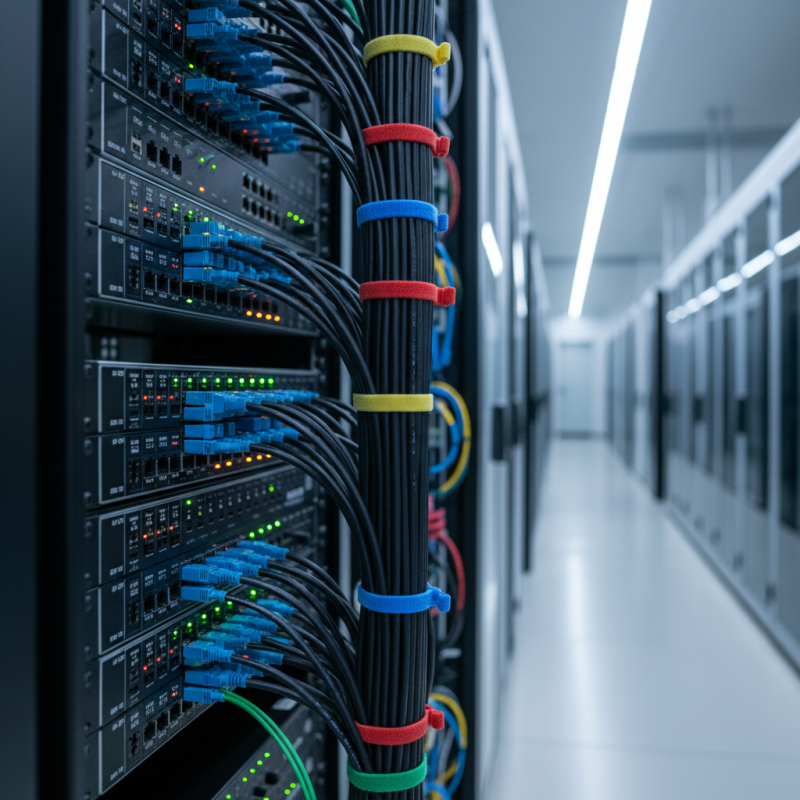
When considering direct attach cable (DAC) for your networking needs, installation and maintenance are crucial. DACs are typically easier to install than traditional fiber optics. They require minimal tools and can be plugged directly into devices. Thanks to their compact design, they fit well in tight spaces. However, be cautious about cable management. Poor organization can lead to signal issues and network slowness.
Maintenance is straightforward but not foolproof. Regular checks on cable integrity are essential. Look for signs of wear, such as fraying or kinks. These imperfections could degrade performance over time. With increased humidity or extreme temperatures, cables may also deteriorate faster. Yet, many overlook these factors. Consider the environment where your cables are installed. A well-planned layout can enhance performance and longevity. This requires regular revisits and adjustments. Ignoring these practices could lead to extended downtime and frustration.

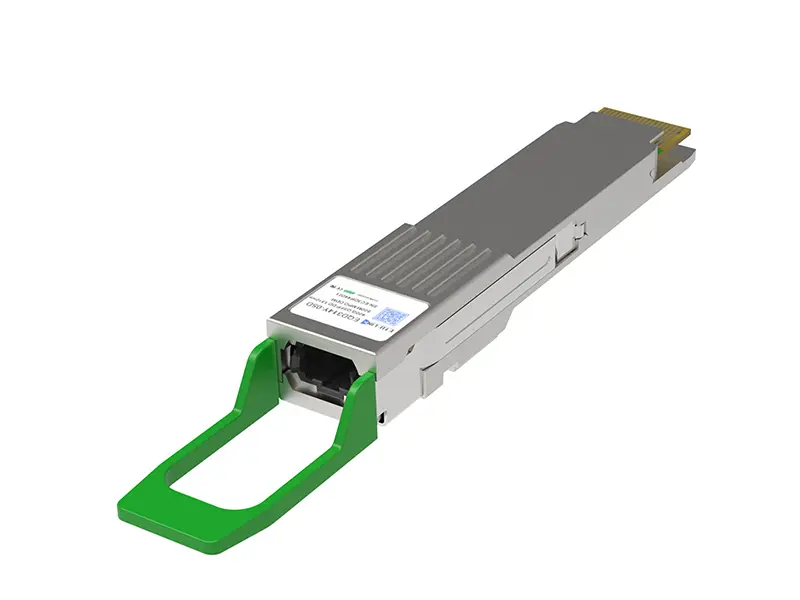 400G
400G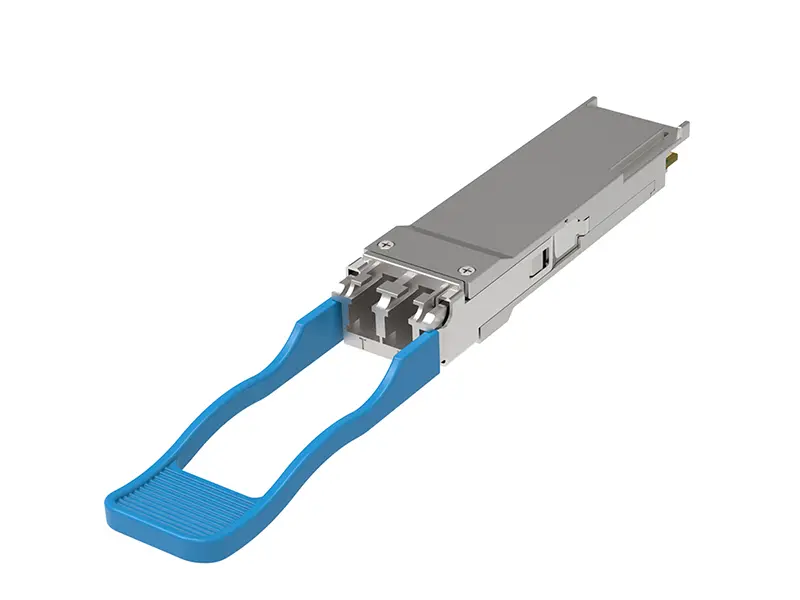 200G
200G 100G
100G 40G
40G 25G
25G 10G
10G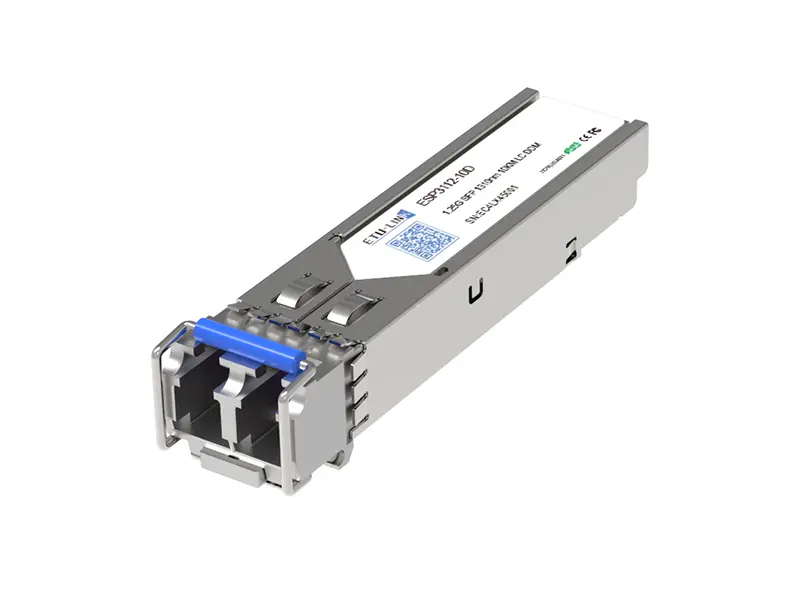 1G
1G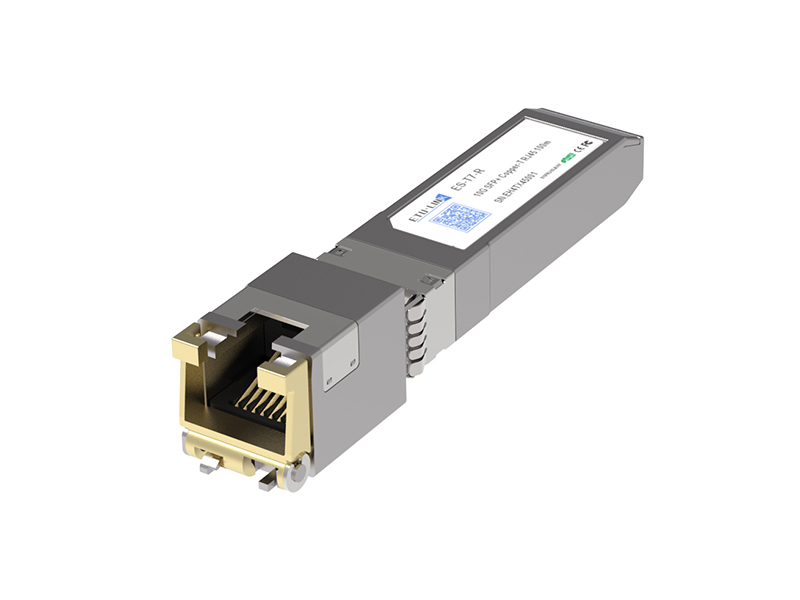 COPPER-T
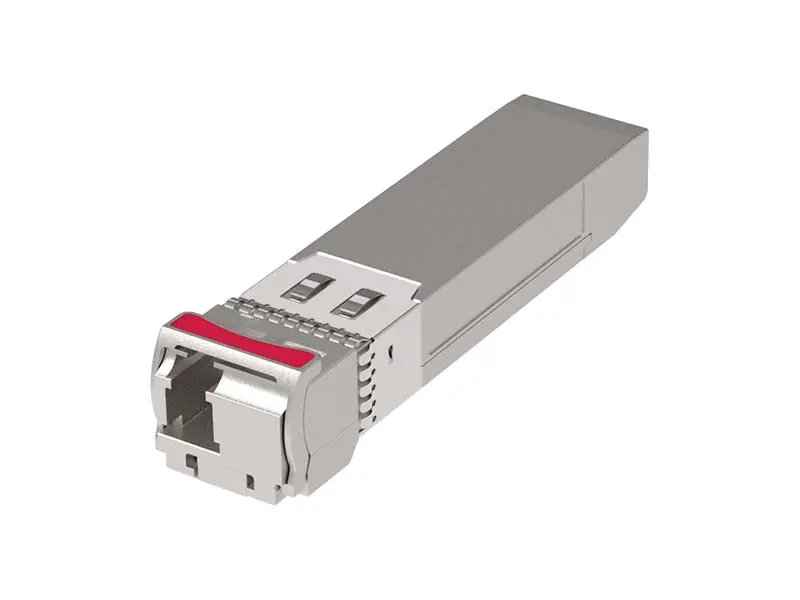 Other
Other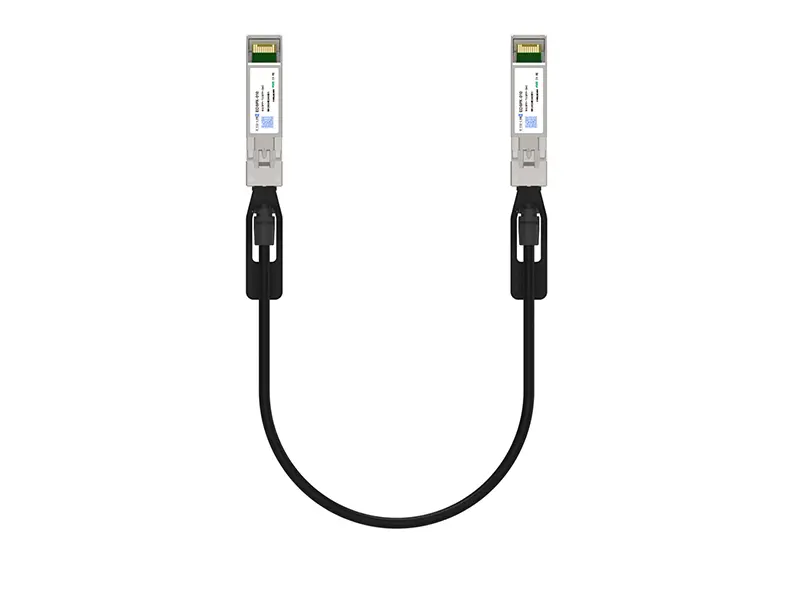 10G SFP+ DAC
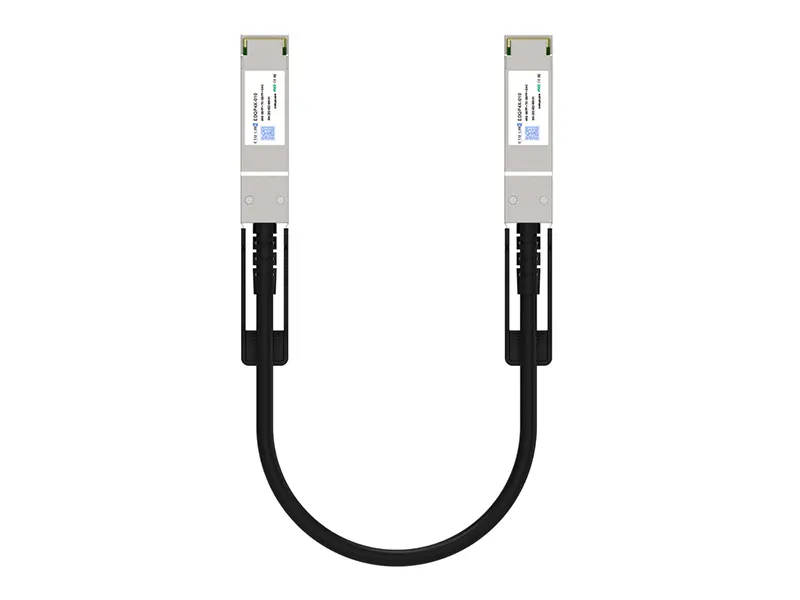 40G QSFP+ DAC
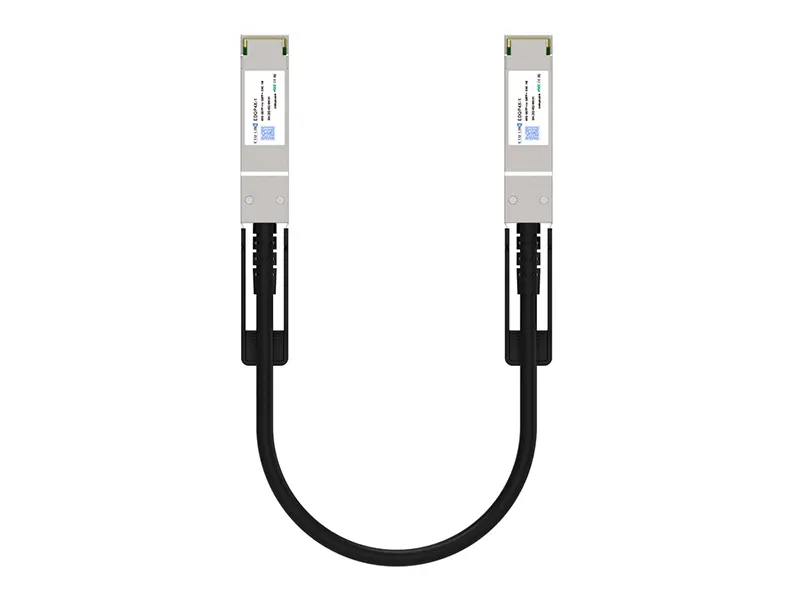 56G QSFP+ DAC
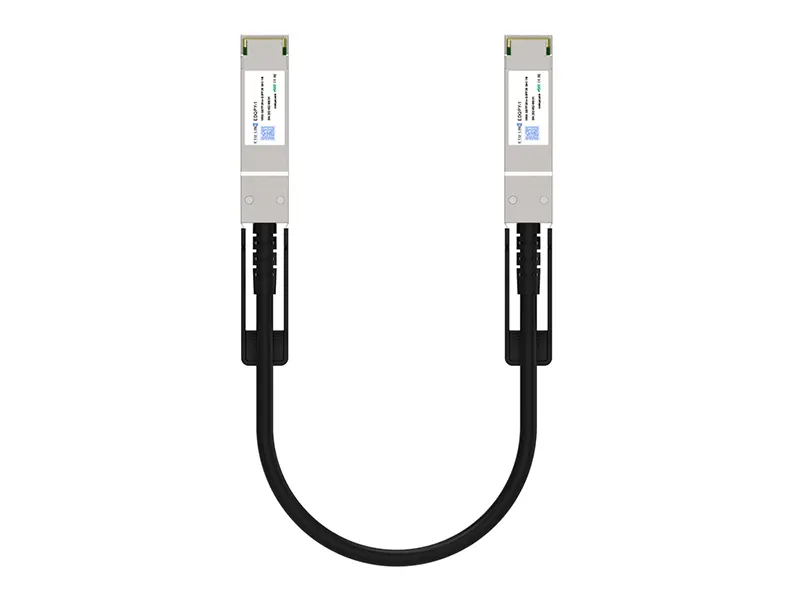 100G QSFP28 DAC
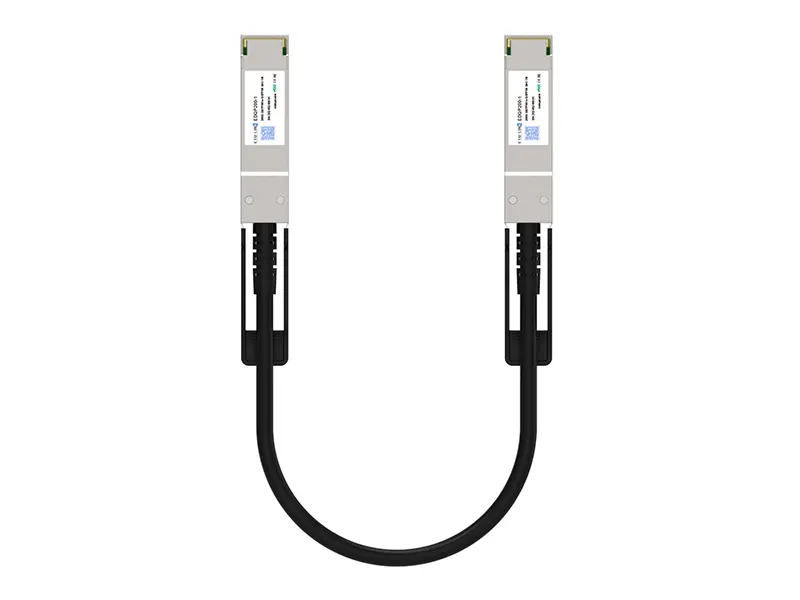 200G QSFP56 DD DAC
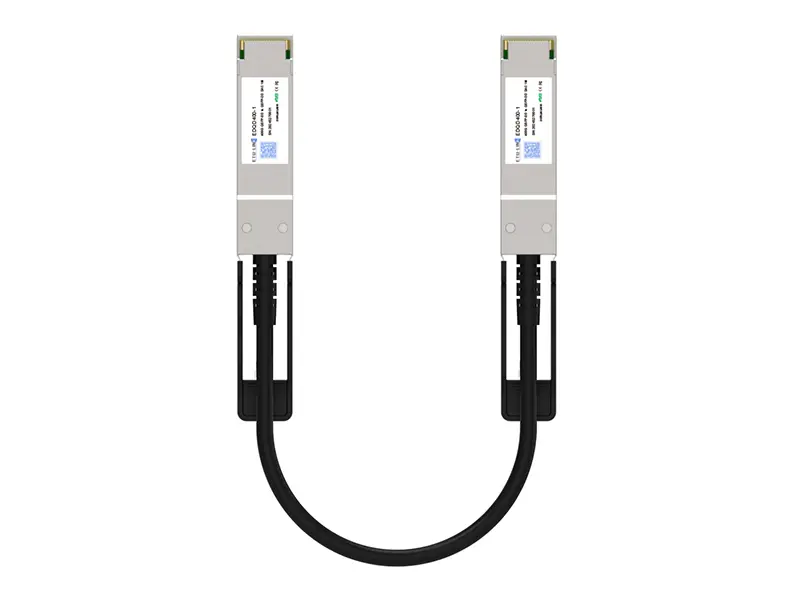 400G QSFP DD DAC
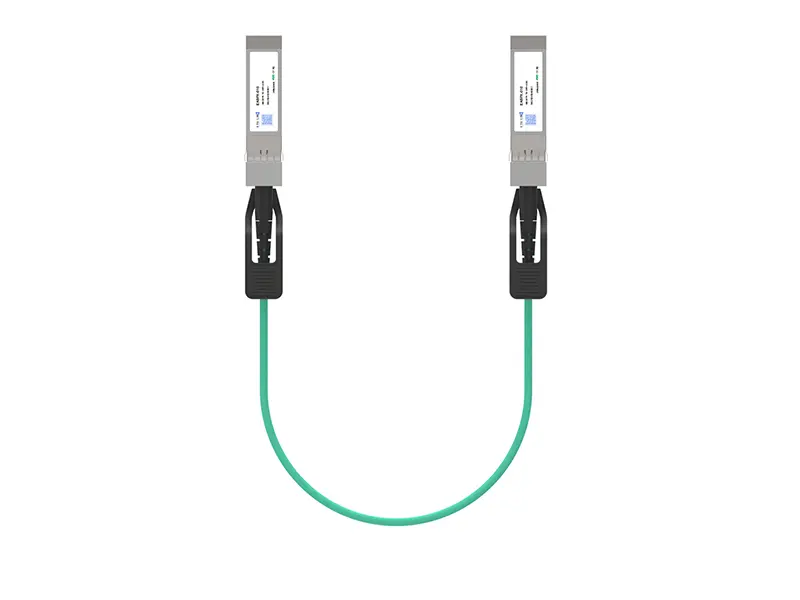 10G SFP+ AOC
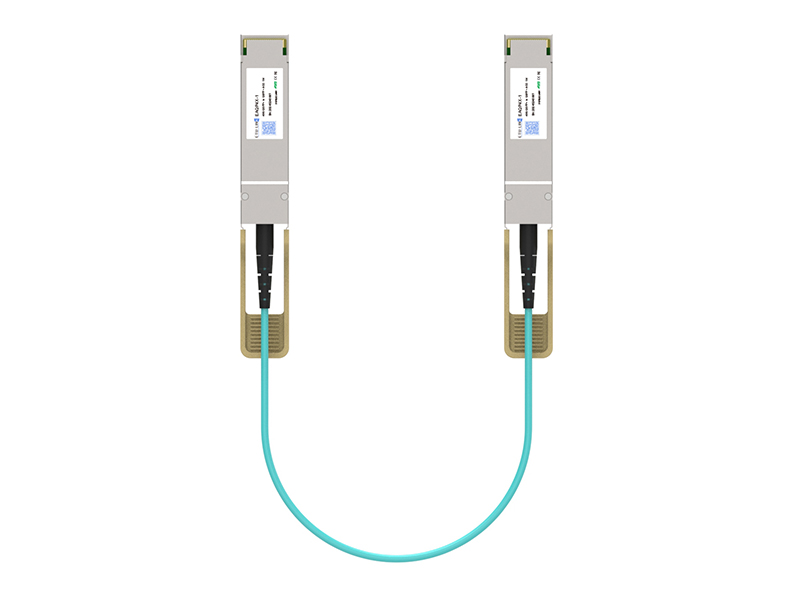 40G QSFP+ AOC
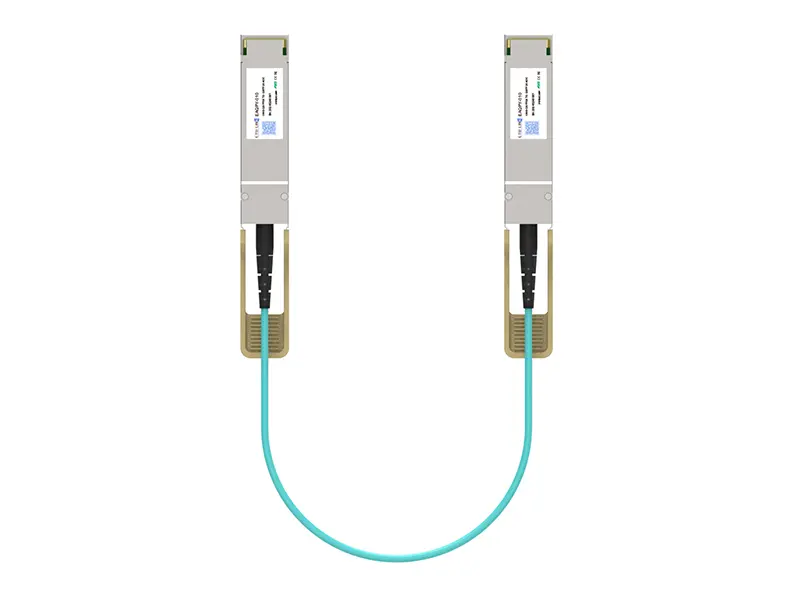 100G QSFP28 AOC
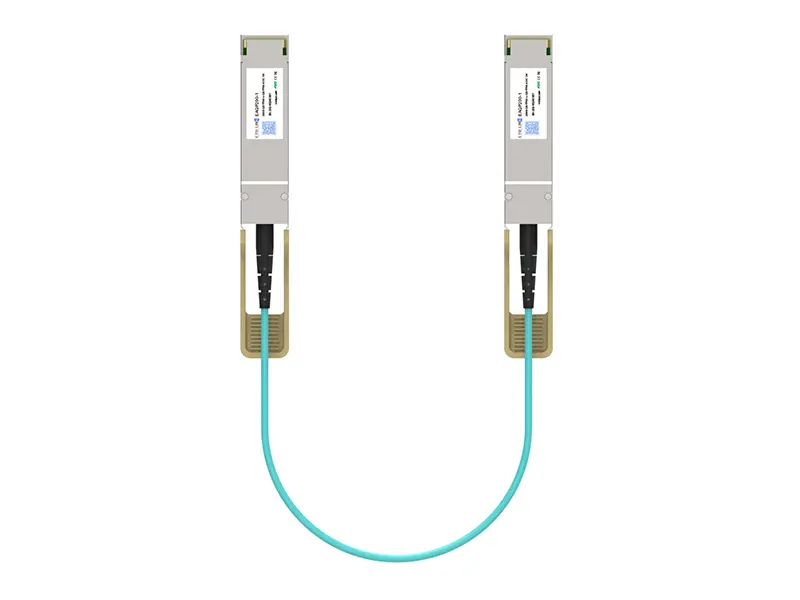 200G QSFP56 AOC
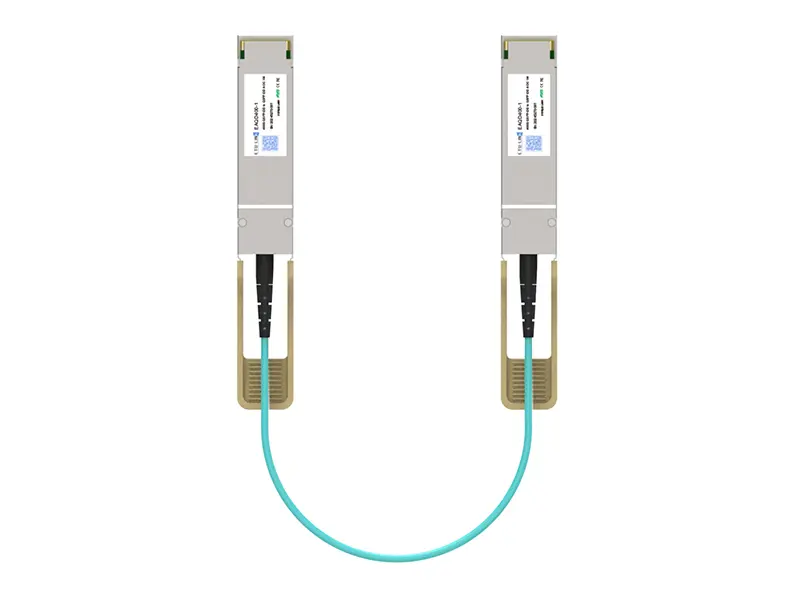 400G QSFP-DD AOC
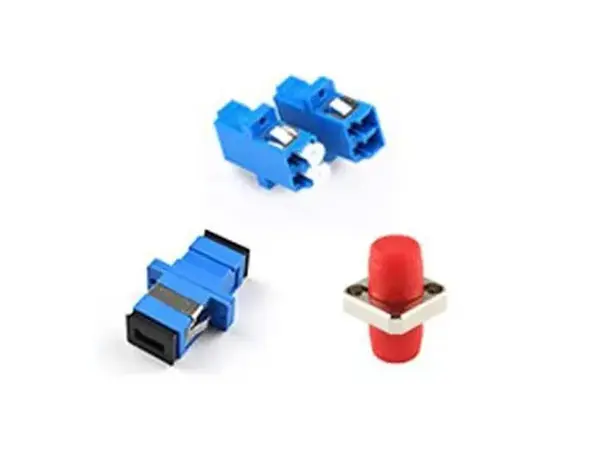 Adapter Details
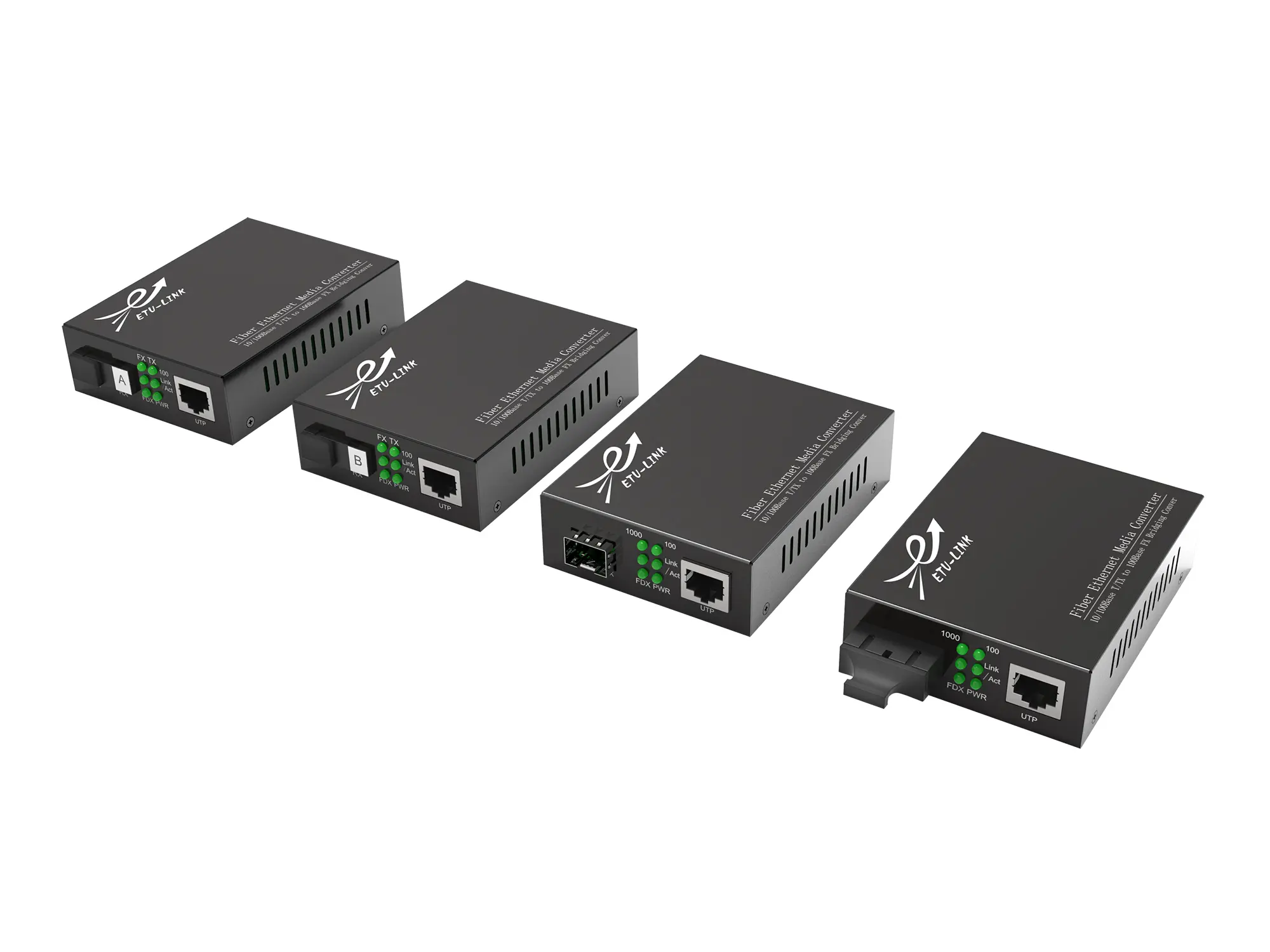 Media Converter